Test
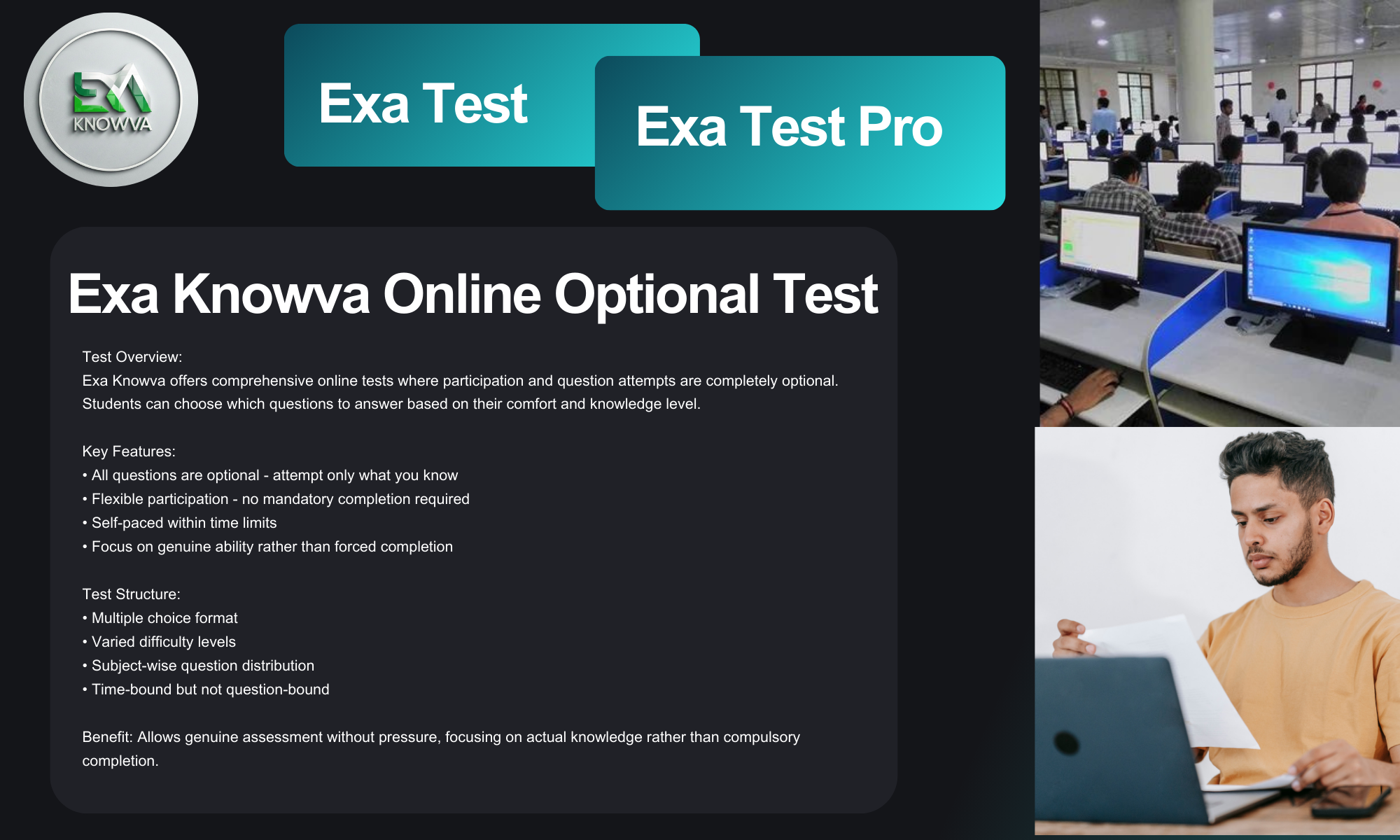
About EXA TEST & EXA TEST PRO
Exa Knowva offers two assessment tests: EXA TEST and EXA TEST PRO. Both are comprehensive online evaluation platforms designed to measure your current learning level, identify areas for improvement, and reward genuine performance. These tests operate within a unified educational ecosystem, maintaining consistent standards of quality, fairness, and integrity across both platforms.
How to Participate - Complete Step by Step Guide
Step 1: Visit the Homepage
Begin by visiting the Exa Knowva homepage at https://exaknowva.in. The homepage provides all essential information about currently active tests. You will be able to see clearly: • Which test is currently active (either EXA TEST or EXA TEST PRO) • Whether the enrollment period has started or not • The exact scholarship amount being offered for that particular test cycle • All important dates including enrollment deadlines, test windows, and result declaration dates
Step 2: Registration and Login Process
For New Users (First Time Registration): 1. Click on the "Register" button located on the homepage 2. Enter your valid email address that you regularly check 3. Create a secure password that you can remember easily 4. Fill in your basic details including name and contact information 5. Submit the registration form by clicking the appropriate button 6. Immediately check your email inbox for a verification link 7. If you don't see the email in your main inbox, please check your spam or junk folder 8. Click on the verification link provided in the email 9. Your email address will be verified instantly without being redirected to any additional pages 10. Once verified, return to the Exa Knowva website and login using your registered email and password
For Existing Users (Already Registered): 1. Simply login using your previously registered email address and password 2. If you have forgotten your password, follow these steps: • Click on the "Forgot Password" link available on the login page • Enter the email address you used during registration • A password reset link will be sent to your registered email address • Open your email and click on the password reset link • Enter your new password and confirm it by typing it again • Submit the password reset form • Return to the Exa Knowva website and login using your new password
Step 3: Understanding Your Dashboard
After successfully logging in, you will see your main dashboard which contains: • The EXA TEST section displayed prominently at the top • A banner that clearly indicates whether enrollment is currently open or closed • The scholarship amount for the current cycle mentioned in bold and clear text • Three important function buttons located directly below the banner area
The Three Primary Function Buttons: 1. ENROLLMENT Button - This button is used to register for the current test. It becomes active only during the enrollment period. 2. START TEST Button - This button allows you to begin your test. It is active only during the designated test window dates. 3. RESULT Button - This button enables you to check your results. It becomes active only after the official result declaration date.
Important Visual Indicators to Remember: • A green border or outline around any button indicates that the button is currently ACTIVE and can be clicked • The absence of a green border means the button is currently INACTIVE and cannot be used • Always look for the green border before attempting to click any button to ensure it is functional
Step 4: Complete Enrollment Process
When the ENROLLMENT button displays a green border (indicating it is active), follow these steps: 1. Click on the ENROLLMENT button 2. Carefully fill in all required details with complete accuracy: • Full Name (exactly as it appears on your official documents) • Mobile Number (must be active and accessible for communication) • Aadhaar Number (collected only for identity verification purposes) • Complete location details including city and state 3. Read through the Terms & Conditions thoroughly 4. Accept the Terms & Conditions by checking the acceptance box 5. Click on the "PAY NOW" button to proceed with payment 6. Complete the payment process through our secure payment gateway 7. After successful payment completion, you will be automatically redirected back to the platform 8. Wait for the confirmation popup window to appear 9. Important Information: In this popup window, your unique TEST ID will be displayed in GREEN color at the bottom section 10. Immediately note down your TEST ID or take a screenshot for future reference
Step 5: Taking Your Test
When the START TEST button displays a green border (active during the test window period), follow these steps: 1. Click on the START TEST button 2. Enter your full name exactly as provided during enrollment 3. Enter your unique TEST ID that you received during enrollment 4. Begin your test by following the on-screen instructions 5. Complete all questions within the allocated time duration 6. Submit your completed test when finished
Step 6: Results and Follow-up Procedure
For TOP 10 Rankers (Category A1 Participants): • Results are prominently displayed on the homepage for top performers • Scholarship distribution is based on the exact amount announced for that particular test cycle • Scholarships are transferred directly to the bank account or UPI ID provided during enrollment • Distribution occurs only after complete verification of results
For All Other Participants (Category A2 and Other Participants): • Results are NOT displayed on the homepage • Detailed results and performance information are sent through two channels: • Email sent to your registered email address • Notification in your Exa Knowva Inbox (platform notification system) • The email will contain comprehensive details including your performance analysis, final score, and information about any applicable benefits
Important Result Timeline and Follow-up: 1. Check your registered email on the result declaration date mentioned on the homepage 2. If the email does not arrive on the specified date, please wait for 1-2 additional days as email delivery can sometimes experience delays 3. If you still have not received your results email after 2 days from the declaration date: • Visit the Help Section on the platform and submit a formal request • Alternatively, email us directly at help@exaknowva.in • Always include your TEST ID and registered email address in your communication
About Scholarship Details
Category A1 (Top 10 Rankers Scholarship): • The scholarship amount varies for each test cycle depending on various factors • The exact amount displayed during the enrollment period is the amount that will be distributed • Scholarship distribution occurs only after thorough verification of all results • No additional amounts or different scholarship values are provided beyond what is announced
Category A2 (Score-Based Scholarship): • This category is based on predetermined cutoff scores established by Exa Knowva • There is no fixed number of scholarship recipients - it depends on available budget and overall performance levels • No specific promises or guarantees are made regarding scholarship awards in this category • Eligibility is determined solely by comparing individual scores against the established cutoff marks
Payment Information and Details
Security Payment Structure: • Payment Amount: Ranges from ₹99 to a maximum of ₹150 depending on the specific test cycle • The payment amount includes several components: • 18% GST (Goods and Services Tax) automatically included in the total • 2% payment gateway processing charges • Platform security and ongoing maintenance costs • Test preparation, administration, and evaluation expenses
Important Payment Notes and Information: • GST is already included in the displayed payment amount • No separate GST payment is required at any stage • All payments are processed through our secure payment gateway (Razorpay) • There are no other hidden charges or additional fees on the platform • All customer support services and query resolution are completely free of charge • We never solicit or accept payments through false promises or misleading information
Test Features and Specifications
Language Availability: • All test questions are available in both English and Hindi languages • Participants can choose their preferred language for taking the test
Test Structure and Format: • Total Number of Questions: Up to 100 questions per test • Question Type: Multiple Choice Questions (MCQs) format • Subject Coverage: Questions drawn from various subjects and topics • Time Allocation: Minimum 20 seconds allocated per question (varies based on question complexity) • Total Test Duration: Approximately 35-45 minutes for completing the entire test
Important Test Rules and Guidelines: • Only one test attempt is allowed per enrollment • All questions within the test are optional • Each question must be completed within its allocated time frame • Your unique TEST ID must never be shared with anyone under any circumstances
Commitment and Philosophy
Exa Knowva represents more than just a testing platform - it serves as a genuine medium to provide meaningful help and comprehensive support to students. Our fundamental beliefs include: • Conducting fair and completely transparent assessment processes • Recognizing and rewarding authentic talent and genuine effort • Maintaining absolute integrity in all our operations and interactions • Providing substantial value through educational support and guidance
Important Reminder: Ultimate success depends primarily on your individual preparation and dedicated effort. We provide only the platform and opportunity - the real work and achievement belong to you.
Need Assistance or Have Questions? • Platform Help Section: Submit all your queries and concerns through this dedicated section • Email Support: Contact us directly at help@exaknowva.in • Expected Response Time: 4-48 hours (we make every effort to respond as quickly as possible)
Exa Knowva - Where Genuine Talent Meets Real Opportunity
Committed to Fair Assessment • Recognizing Real Talent • Ensuring Secure Future
Contact Email: help@exaknowva.in
T&C Apply -